This is a report for Buyers.
This report provides the total discounts offered, for a selected time period.
- In the Reports module, click Discounts Offered.
The Discounts Offered report is displayed.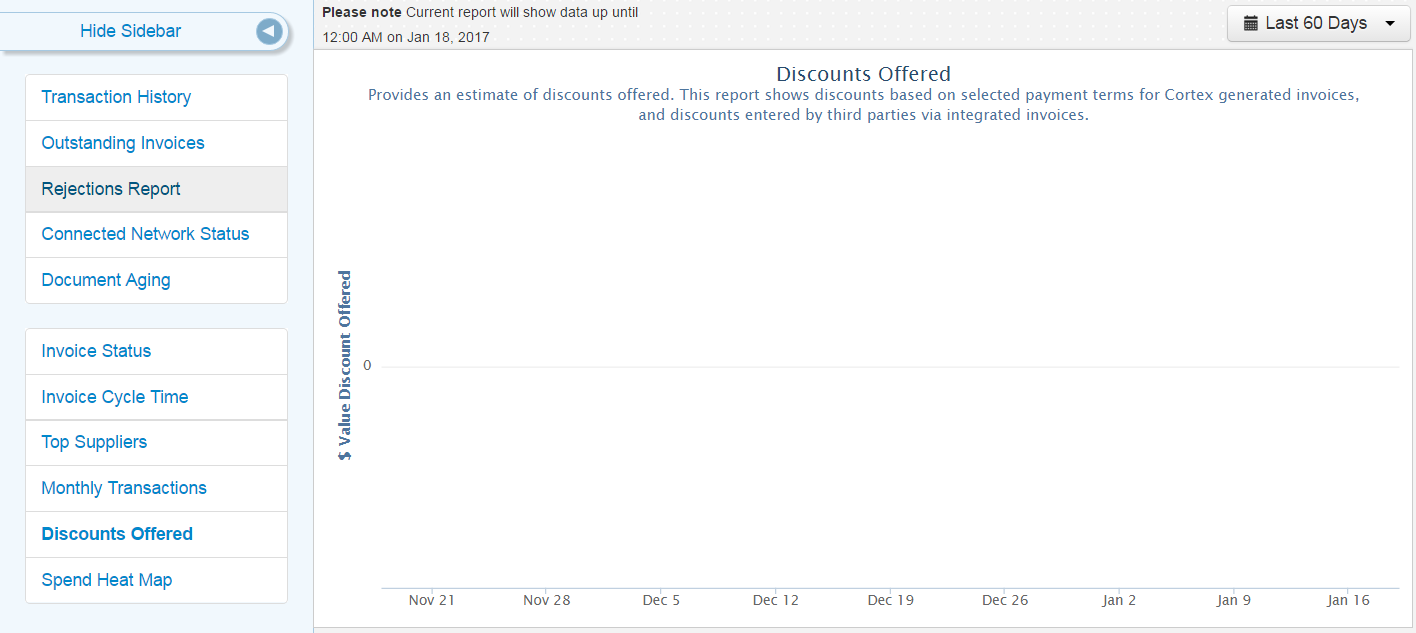
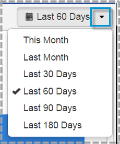
- Select a date range to view reporting on from the drop-down at the top right of the report.
This field defaults to "Last 60 Days".